
For many small businesses, office Wi-Fi has grown bit by bit. A router was installed, a password was shared around, then a visitor needed internet access, then a contractor asked to get online, then a staff member connected a personal phone or tablet. Before long, all sorts of devices may be sitt...
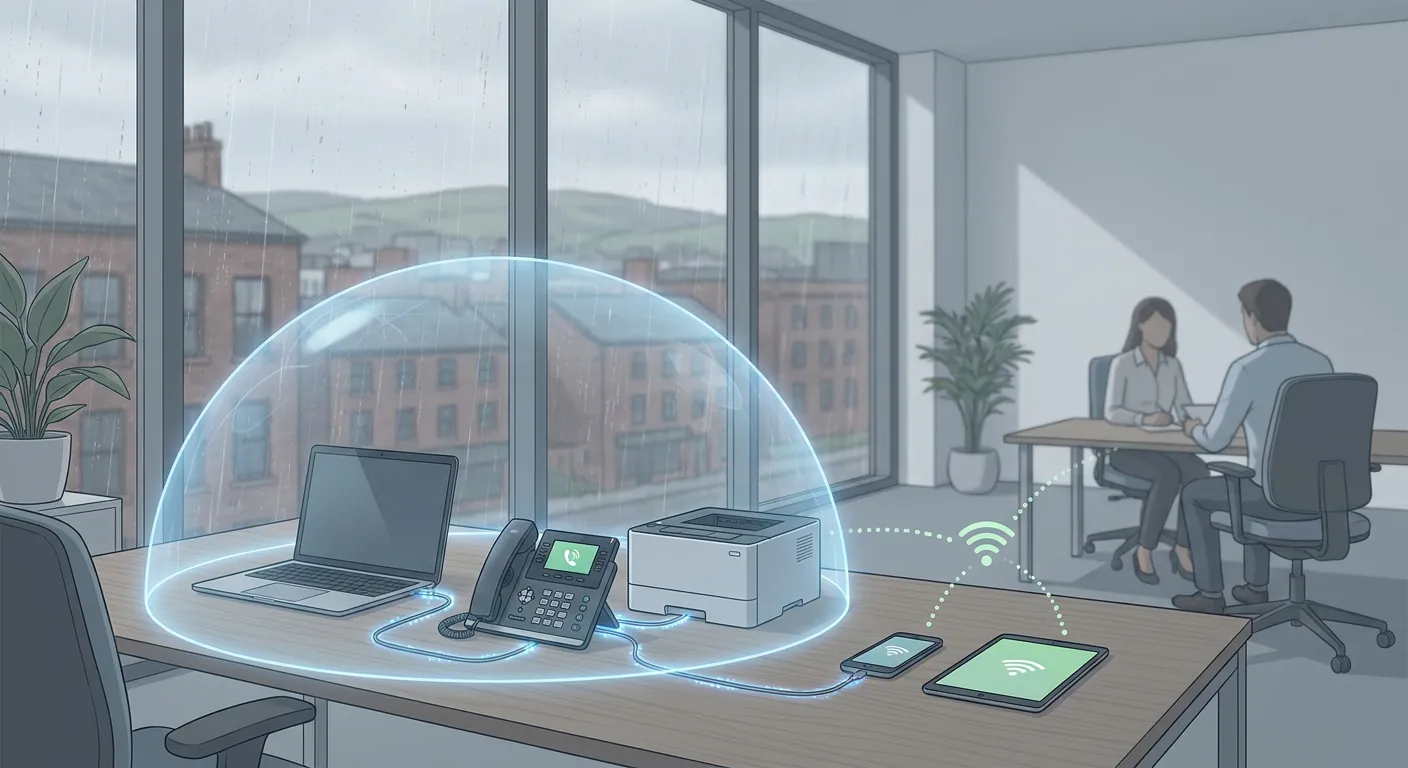
For many small businesses, office Wi-Fi has grown bit by bit. A router was installed, a password was shared around, then a visitor needed internet access, then a contractor asked to get online, then a staff member connected a personal phone or tablet. Before long, all sorts of devices may be sitting on the same network as your business laptops, printers, phones and shared systems.
That might not feel like a major issue day to day. After all, the internet still works and nobody wants to make things awkward for visitors. The problem is that convenience can quietly create unnecessary risk.
A simple improvement is to make sure guest Wi-Fi is separate from your main business network.
In plain English, that means people can still get online, but they should not be sharing the same internal network as the devices and systems your business relies on. It is one of those small technical changes that can make a noticeable difference to security, control and resilience.
When everything is on one network, it becomes easier for the wrong device to see, reach or interfere with something it should not.
That does not always mean a dramatic cyber attack. Sometimes the problem is much simpler:
If all of those devices sit together with company laptops, printers, shared storage, internet-based phones or line-of-business systems, the attack surface gets wider. In other words, there are more possible routes for trouble to spread.
For a busy business owner, the important point is not the technical detail. It is that one weak device should not have an easy path to the systems that keep your business running.
A separate guest network is exactly what it sounds like: a Wi-Fi service for visitors and non-business devices that is kept apart from the main company network.
A properly set up guest network should usually allow internet access but block access to internal business resources such as:
That separation matters because it helps contain risk. If a guest device is compromised, it is far less likely to reach the systems your staff depend on every day.
It can also make life easier operationally. When your business network is kept for business devices, support is more straightforward, troubleshooting is cleaner, and it is much easier to understand what belongs there.
Imagine a small accountancy practice in Bolton. Staff rely on Microsoft 365, shared printers, cloud bookkeeping software and internet-based phones. Clients sometimes visit the office, and external advisers occasionally come in for meetings. Over time, the team has got into the habit of giving out the main Wi-Fi password whenever someone asks.
Nothing may go wrong for months. But that setup means every guest device is landing on the same network the business uses for day-to-day operations.
If one of those devices is infected, poorly secured or simply misbehaves, it creates an avoidable risk. Even if there is no malicious intent, the business has lost a level of control it should really have.
Now compare that with a setup where visitors join a separate guest wireless network. They still get online for email, Teams or web access, but they are not sitting alongside the systems the business depends on. That is a calmer, cleaner and better-managed way to work.
A lot of SMEs do not review network setup until there is a problem. A few warning signs are worth paying attention to:
If any of those sound familiar, it does not automatically mean your business is in immediate danger. It does mean the setup is worth reviewing before it becomes a bigger issue.
You do not need to overcomplicate this. For many SMEs, the practical next steps are quite straightforward:
Good IT for a small business is not about adding friction everywhere. It is about making sensible improvements that reduce risk while keeping the business practical and productive.
Separating guest Wi-Fi from your main network is a good example. It is not flashy, but it helps protect the systems, devices and services your business relies on every day. It also fits the wider principle behind Managed IT Support: your technology should be organised, manageable and set up the right way from the start.
If you are not sure whether your current office Wi-Fi setup is giving too much access to the wrong devices, now is a good time to review it. A quick network health check can often identify simple improvements that strengthen security without disrupting the team.
If you would like a second opinion on your wireless setup, guest access or wider network security, Managed IT Support can help you review it and keep your technology managed the right way.
Book a free IT review and we'll show you exactly where your current setup is costing you money, leaving you exposed, or slowing your team down. No obligation, no hard sell.
