
For many small businesses, cybersecurity conversations focus on the bigger, more dramatic threats. Phishing emails, ransomware, weak passwords and data breaches tend to get the attention. Those risks absolutely matter. But sometimes the most practical improvement is much simpler: making sure work...
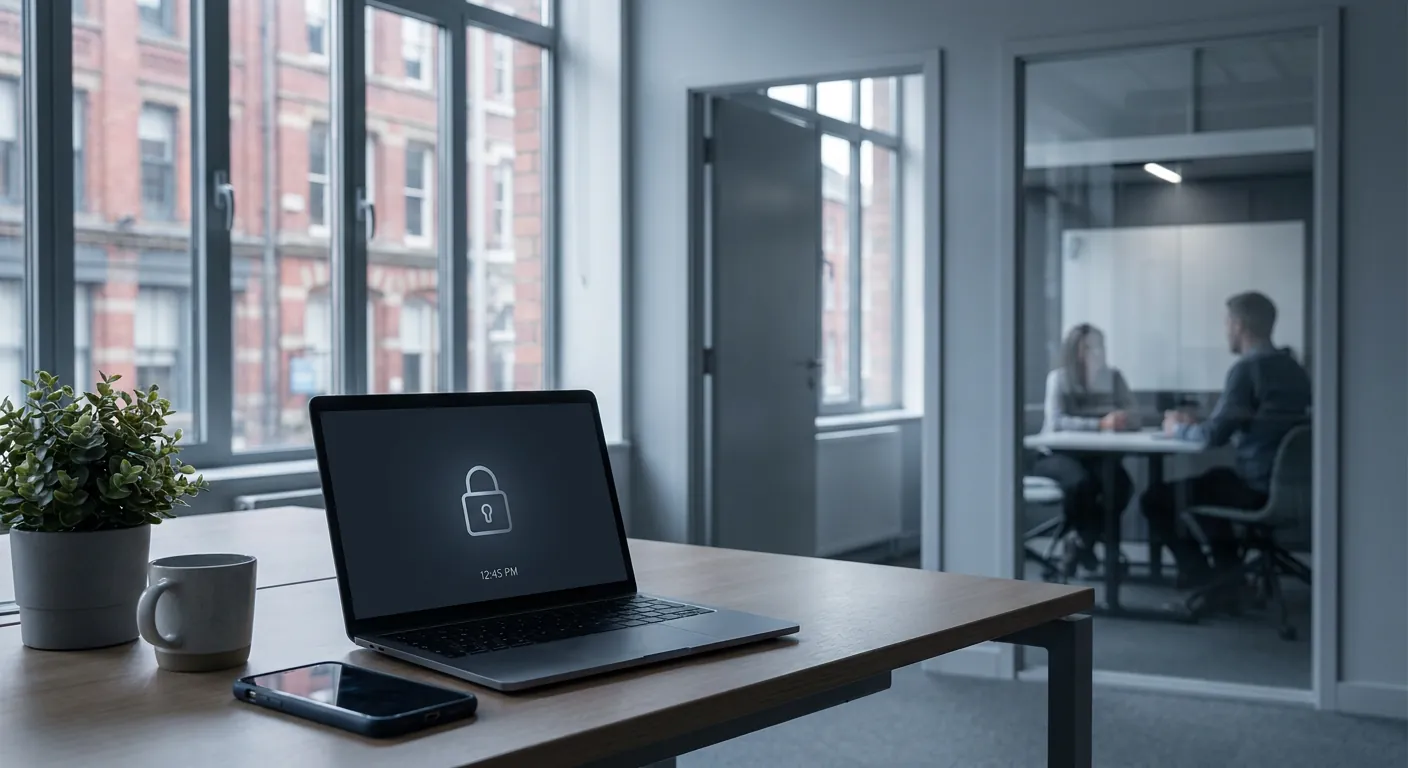
For many small businesses, cybersecurity conversations focus on the bigger, more dramatic threats. Phishing emails, ransomware, weak passwords and data breaches tend to get the attention. Those risks absolutely matter. But sometimes the most practical improvement is much simpler: making sure work devices lock themselves when nobody is using them.
It is easy to overlook because leaving a laptop open for a few minutes does not feel like a major security event. Someone gets up to make a brew, help a colleague, answer the door or move into a meeting room, and the screen stays live. In a busy office, shared workspace or home-working setup, that small gap can be enough for the wrong person to see sensitive information, send an email, access files or make changes that nobody can later explain.
For a UK SME, that creates more than just a technical issue. It can become a business risk affecting client trust, compliance, internal accountability and day-to-day control.
When business owners think about unauthorised access, they often picture an outside attacker breaking in remotely. But sometimes access is much more ordinary than that. It could be:
None of these situations requires advanced hacking skills. They rely on one thing only: a device being left available for long enough.
That is why automatic screen lock matters. It reduces the window of opportunity. Instead of relying on every person to remember to lock their screen every single time, your devices help enforce a safer default.
Auto-locking means a laptop, desktop, tablet or phone automatically returns to a locked state after a short period of inactivity. To continue, the user must sign back in with their password, PIN, fingerprint or another approved method.
On its own, this is not a complete security strategy. But it is one of those small controls that supports everything else.
If your business already uses strong passwords, multi-factor authentication and managed devices, automatic locking helps tie those protections together. It makes sure access controls still apply after someone walks away from their screen.
In plain English, it stops convenience from quietly undoing the good work you have already done elsewhere.
This issue often appears in ordinary settings rather than high-security environments.
A Bolton office with a few shared desks. A Bury sales team using laptops between appointments. A director working from home with email open in the kitchen. A member of staff stepping away from a desk while a client or supplier is on site. These are normal business situations. But they can still expose:
The risk is not always malicious. Sometimes it is simple human error. But from the business point of view, the outcome can still mean confusion, embarrassment, data protection concerns or lost trust.
For most small businesses, a sensible starting point is to make sure every work device:
The exact timeout may vary depending on the role and environment, but the principle stays the same. You want a balance between security and practicality. Too long, and the protection loses value. Too short, and people may become frustrated and work around it. In many SME environments, a modest idle timeout is enough to improve security without disrupting work.
This is the kind of control that works best when it is not left to chance or personal preference.
A managed IT approach can help your business:
That matters because inconsistency is usually the real problem. One device is set up properly, another is not, and nobody notices until something awkward happens.
If you want one straightforward task from this article, do this: pick three devices in your business today and check what happens when they are left alone.
Do they lock automatically?
How long does it take?
When they lock, do they require a proper sign-in to get back in?
That quick check will tell you a lot about whether your current setup is relying on good process or just good luck.
Auto-locking work devices is not the flashiest cybersecurity improvement you can make. But it is practical, affordable and effective. For small businesses that want their technology managed the right way, these small controls often make the biggest difference over time.
If you are not sure whether your laptops, desktops and mobile devices are set up consistently, Managed IT Support can help you review the basics and tighten the gaps before they become a bigger problem.
Book a free IT review and we'll show you exactly where your current setup is costing you money, leaving you exposed, or slowing your team down. No obligation, no hard sell.
