How long can your business run without its key systems, and how much recent work could it afford to lose? A plain-English guide to setting RTO and RPO targets and checking your backups can meet them.
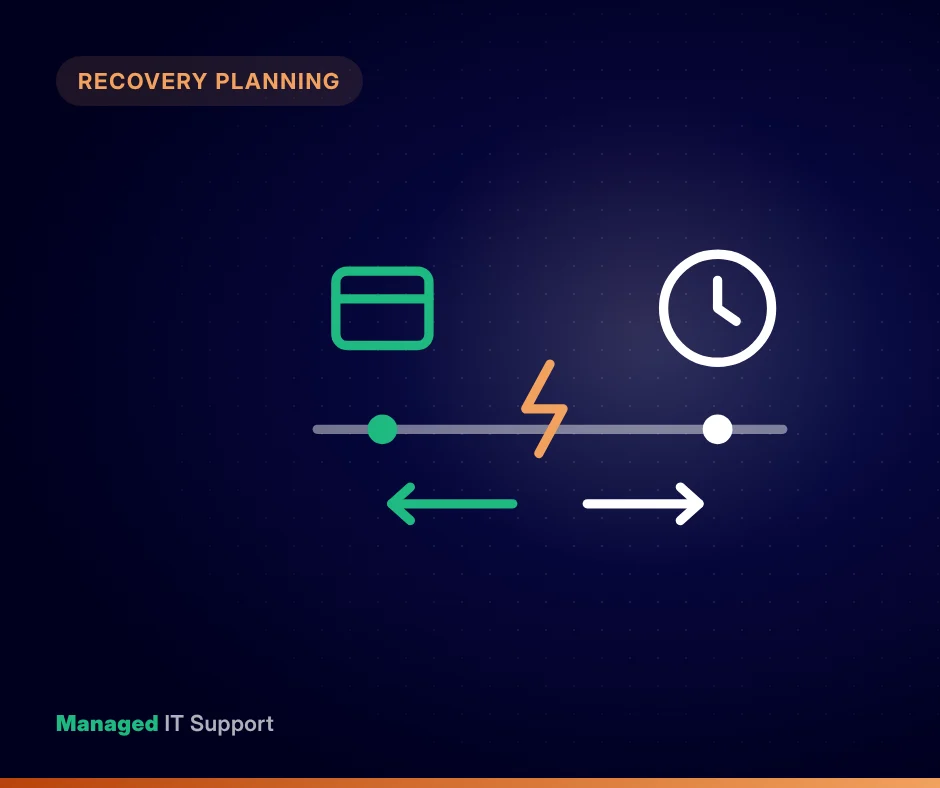
If your business lost access to its files, email or core system today, how quickly could you recover, and how much recent work could you afford to lose?
When something fails, the first question is rarely "which backup product do we have?" It's "what do we need working first, and how long can we keep trading without it?" A recovery plan should connect your technology to the things that bring in money, serve customers and keep people working.
The NCSC's recovery guidance recommends planning recovery timelines, checking backups are complete and reliable, and bringing core functions back in a controlled order. Two simple measures make that practical: RTO and RPO.
Recovery Time Objective (RTO) is the longest a service can be unavailable before it causes unacceptable harm. For example:
Recovery Point Objective (RPO) is the most recent data you can afford to lose, counted back from the moment of the incident. An RPO of 15 minutes means you need to recover to within about 15 minutes of the problem. An RPO of 24 hours means losing the last day's changes is acceptable.
Smaller isn't automatically better. Very short targets can mean more frequent backups, higher availability, extra licences or specialist support. The aim is targets that match the real cost of disruption.
List what the business must do to keep operating. For a manufacturer that might be taking orders, accessing drawings, scheduling work and invoicing. For a professional services firm it might be email, documents, practice software and client records.
For each one, ask:
That turns a vague "back everything up" into a prioritised recovery list.
A director, operations manager and IT provider should all be able to explain each target in everyday terms. For example: "We can take orders by phone for up to two hours, but the ordering system must be back within eight. We can't lose more than an hour of confirmed orders."
Record who approved each target. The business owner is best placed to judge what downtime and data loss would cost; your IT provider can then explain what's needed to meet that.
Restoring one application doesn't always restore the service around it. Recovery may also need:
This matters most after a cyber incident. If an attacker has admin credentials, restoring files before securing accounts can let the incident carry on. The NCSC's recovery guidance includes resetting credentials where needed before rebuilding.
A backup schedule isn't the same as a recovery capability. Check:
The NCSC warns that connected backups can be targeted by ransomware and recommends protecting previous versions and scanning backups before restoring.
Cloud storage, sync and retention all help, but none of them is automatically a complete, independent recovery route. We've covered why Microsoft 365 retention isn't a backup.
A runbook has to work under pressure. Keep it somewhere that's still reachable if your main systems are down, and include:
A plan that only works when its author is around is a single point of failure.
Start small. Restore one file, then a folder, and time it. Then run a short tabletop exercise: what if the main admin account, file platform or office network were unavailable?
Record the actual restore time, missing dependencies, access problems and any decisions that weren't clear. If the evidence shows a target is unrealistic, change the target or the process. The ICO's ransomware guidance recommends regular disaster-recovery testing, recorded, including checking personal data can be restored within your RTO.
Pick the one service that would cause the most disruption if it stopped, and write down:
That five-minute exercise often shows where a business is relying on assumptions rather than a tested recovery route.
Our business continuity and backup service is built around exactly this: agreeing realistic targets with you, then proving we can meet them. If you're not sure your current setup matches the downtime you could tolerate, book a free IT review or email hello@managedtech.uk.
Book a free IT review and we'll show you exactly where your current setup is costing you money, leaving you exposed, or slowing your team down. No obligation, no hard sell.