
A Wi-Fi password has a habit of travelling. It gets written on a whiteboard, sent to a visitor by text, reused for a smart TV, or remembered by someone who left months ago. For a small business, that can quietly turn the office network into a shared space for work laptops, printers, phones, visitors and unknown devices.
A Wi-Fi password has a habit of travelling. It gets written on a whiteboard, sent to a visitor by text, reused for a smart TV, or remembered by someone who left months ago. For a small business, that can quietly turn the office network into a shared space for work laptops, printers, phones, visitors and unknown devices.
The risk is not that every visitor is untrustworthy. It is that you cannot manage or verify every device that joins the network. A visitor's phone may be missing updates. A contractor's laptop may already be infected. A forgotten smart device may have weak security. If all of them sit on the same network as business equipment, one problem can create more opportunities for disruption or unauthorised access.
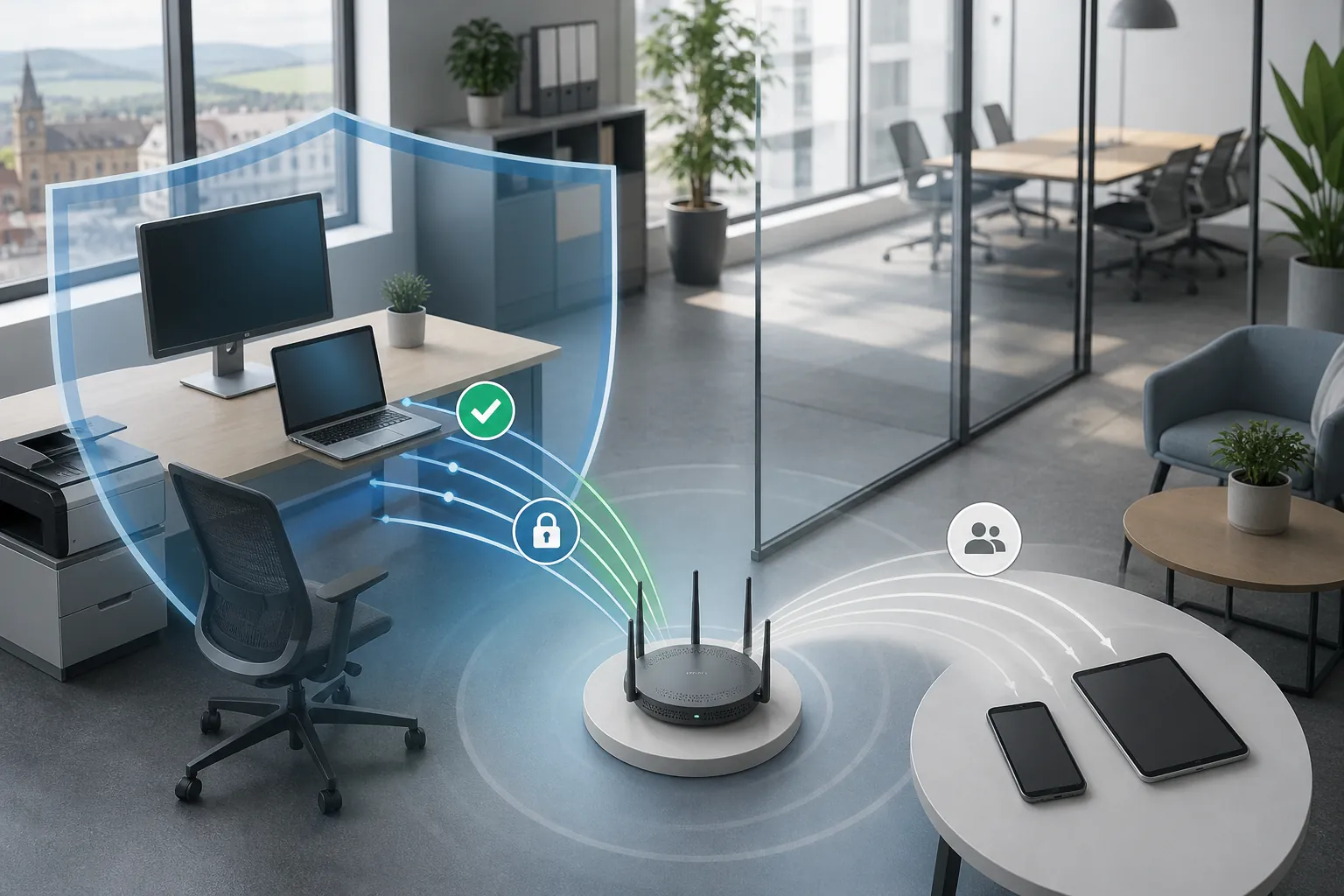
The practical fix is simple: use one Wi-Fi network for managed business devices and a separate guest network for visitors and personal equipment.
Your staff network should be limited to devices the business controls: work laptops, approved phones, printers, VoIP equipment and other systems that genuinely need access to the office network.
The guest network should provide internet access without allowing guests to browse the staff network. This is often called guest isolation or client isolation. The name on the Wi-Fi list is not enough; the router or access points must be configured to keep the two sides apart.
For some offices, a third network for smart TVs, cameras, door-entry systems or other connected equipment is sensible. These devices are useful, but they rarely need to communicate with finance files or staff laptops.
A single network is convenient, but it makes control harder.
For a five-person consultancy in Bolton or a growing manufacturer in Bury, the impact may not look like a dramatic "cyber attack" at first. It could be a printer that stops responding, a laptop that needs rebuilding, a day lost investigating strange traffic, or a customer file that becomes unavailable at the wrong time. Separating networks reduces the possible blast radius — the number of systems a single problem can directly affect.
You do not need to redesign the whole office to improve this area. Start with these checks:
Imagine a ten-person design firm with a shared Wi-Fi password. A client visits, joins the network, and later an employee lends the same password to a new smart display. Months pass. The business changes its file server but not the Wi-Fi password, and nobody has a reliable list of who can still connect.
A guest network creates a cleaner boundary. Clients can get online, staff devices stay on the managed network, and the smart display can be placed with other non-business equipment. The firm has not made visitors feel unwelcome; it has simply stopped giving every device the same level of access.
Network separation is valuable, but it does not replace the basics. Staff accounts still need multi-factor authentication, laptops still need updates and endpoint protection, and important files still need reliable backups. A compromised work laptop can still expose cloud accounts if the user signs in carelessly.
Think of guest Wi-Fi as a sensible boundary around the office, not a complete security system. Good managed IT combines that boundary with secure devices, controlled accounts, monitored alerts and a recovery plan that has been tested.
Take five minutes to ask: "If a visitor joins our Wi-Fi, could their device reach a printer, shared folder or another work computer?"
If the answer is "yes", "I'm not sure", or "we all use the same password", put a review on the list. Ask whoever manages your network to confirm that guest traffic is isolated, the router is supported and the business password is not being shared casually.
Small changes like this make everyday technology easier to control and safer to use. It is part of managing your technology the right way: keeping the business connected without giving every device more access than it needs. If you would like a second pair of eyes on your current setup, Managed IT Support can help you review it without turning a straightforward improvement into a major project.
Book a free IT review and we'll show you exactly where your current setup is costing you money, leaving you exposed, or slowing your team down. No obligation, no hard sell.
