
Passwords continue to be one of the easiest ways into a small business. A reused password, a convincing phishing page or a password shared in the wrong place can give an attacker a foothold in email, cloud files and other services.
Passwords continue to be one of the easiest ways into a small business. A reused password, a convincing phishing page or a password shared in the wrong place can give an attacker a foothold in email, cloud files and other services.
For a small company, work email is often the master key. It may be used to reset other accounts, approve payments, share sensitive documents and communicate with customers. Protecting it does not have to mean adding another complicated process. Where your provider supports them, passkeys are a practical next step.
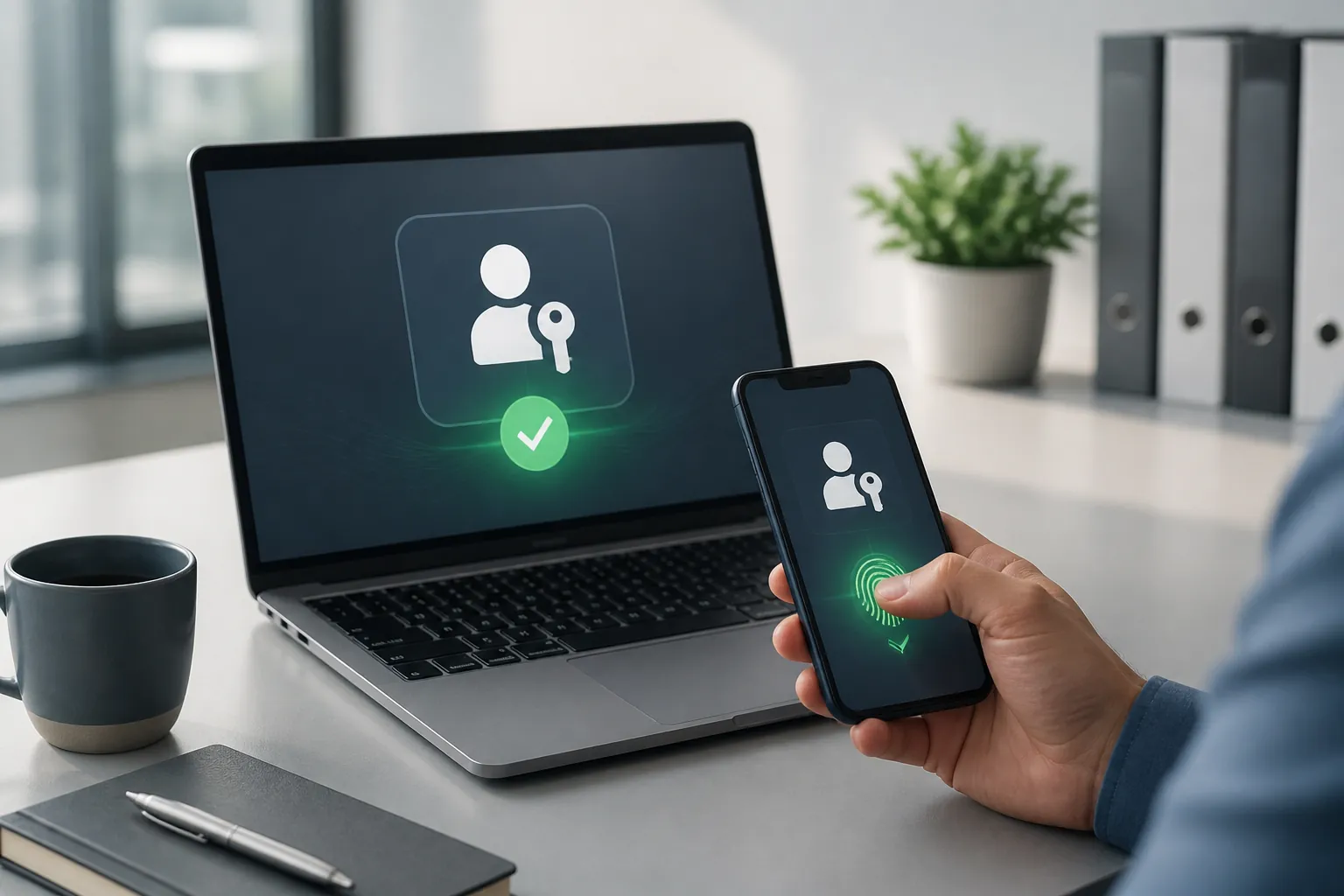
A passkey is a sign-in method that lets you prove who you are with a device's fingerprint, face recognition or PIN instead of typing a password.
Behind the scenes, the device creates a secure pair of digital keys. The service keeps one part, while the private part stays protected on the approved device or business password manager. You do not need to remember, copy or send that private part.
This matters because passkeys are linked to the genuine website or app. A fake Microsoft 365 login page can collect a password typed into it. It cannot simply collect and replay the passkey in the same way. That makes passkeys particularly useful against the everyday phishing attempts that target busy teams.
Passkeys are not a complete security strategy, but they reduce several common sources of trouble:
Imagine a ten-person engineering firm in Bury receiving a convincing message about a missed Microsoft 365 invoice. A member of staff follows the link and reaches a lookalike sign-in page. With a password, the attacker may be able to capture the login and use it to read email, impersonate the business or look for payment conversations. With a passkey, the fake page is much less likely to obtain a reusable credential.
The business still needs good judgement. An attacker might try to compromise the device itself or persuade someone to approve a genuine sign-in. Passkeys reduce a major route into the account, but they do not remove the need for training, updates and sensible account controls.
Do not try to change every login in one afternoon. Begin with the accounts where a compromise would cause the most disruption:
Check each provider's security settings to see whether passkeys are available. Features differ between services, so do not assume that one setup will work everywhere. If your business uses managed devices, ask Managed IT Support to confirm that the operating system, browser and account policies are ready before staff enrol.
A few simple controls make passkeys easier to use safely.
Set up passkeys on managed work laptops, phones or an approved business password manager. Avoid registering a business-critical account on a personal device unless your company has explicitly agreed how that device is secured, supported and removed when someone leaves.
A passkey should not create a new single point of failure. Add an approved second method, such as a second work device or a suitable hardware security key, and make sure more than one trusted person knows the recovery process. Store recovery information in a controlled place, not in an email thread or a note inside the laptop bag.
After setup, test the sign-in from a new browser or approved backup device. Confirm that the right person can recover access if a phone is lost, a laptop fails or the usual administrator is away. Record who owns the account and when the recovery method was last checked.
Tell staff that a passkey is something they use during an intentional sign-in, not a reason to approve an unexpected request. If a login prompt appears out of context, pause and report it. Good security is easier to follow when the reason is clear and the process is predictable.
A small accountancy practice in Bolton might start by protecting its two named Microsoft 365 administrator accounts with passkeys, without creating unnecessary extra admin accounts. Staff enrol on managed laptops, a backup security key is kept securely with the business, and the recovery process is tested during a planned review. When someone leaves, their account and registered devices are removed as part of offboarding.
That approach is simple, controlled and realistic. It improves protection without asking every employee to become a cybersecurity specialist.
Passkeys cannot replace software updates, device lock screens, reliable backups or careful checking of payment requests. If a service does not yet support passkeys, use multi-factor authentication and a reputable business password manager instead. The aim is not to chase a perfect setup; it is to remove the easiest routes to a damaging incident.
Today, open the security settings for your main work email account. If passkeys are available, register one on an approved device, add a recovery route and test it. If you are unsure which accounts to prioritise, Managed IT Support can help you review the setup and manage the change in a way that keeps your technology managed the right way.
Book a free IT review and we'll show you exactly where your current setup is costing you money, leaving you exposed, or slowing your team down. No obligation, no hard sell.
