
When a member of staff leaves, most small businesses focus on the obvious practicalities first. You collect the laptop, arrange the handover, and make sure payroll has been updated. That all matters. But from an IT and cybersecurity point of view, the biggest risks are often the ones left behind ...
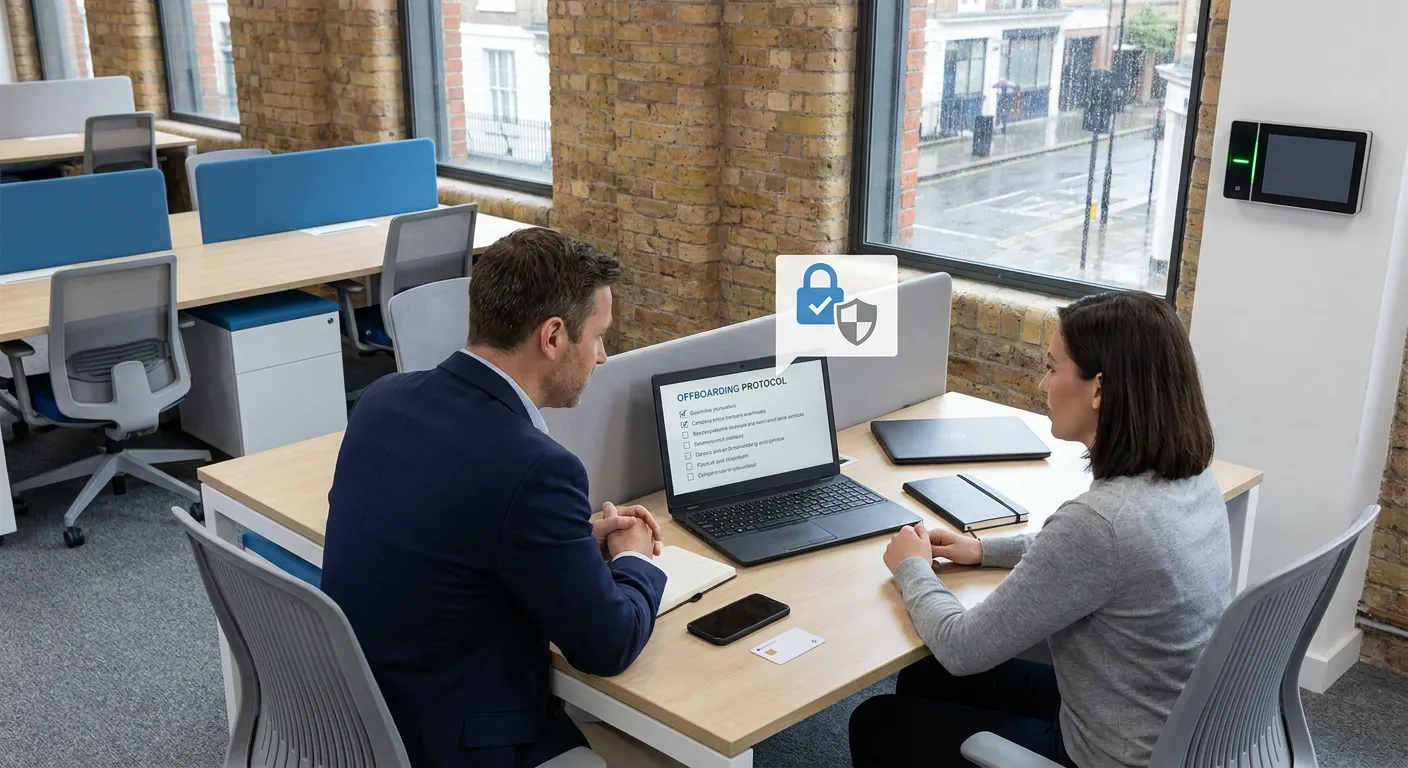
When a member of staff leaves, most small businesses focus on the obvious practicalities first. You collect the laptop, arrange the handover, and make sure payroll has been updated. That all matters. But from an IT and cybersecurity point of view, the biggest risks are often the ones left behind quietly in the background.
A former employee might still have access to business email, Microsoft 365, Google Workspace, shared folders, saved passwords, mobile apps, or remote access tools. In many SMEs, this does not happen because anyone is being careless on purpose. It happens because the offboarding process is informal, rushed, or spread across too many people.
That creates hidden risk.
For a business owner, the real issue is not just security in the technical sense. It is also about protecting client information, keeping systems organised, avoiding confusion for the remaining team, and making sure nothing important slips through the cracks during a staff change.
Secure offboarding is one of those simple disciplines that can prevent bigger problems later.
A leaving employee does not automatically become a threat. In many cases, they are simply moving on. The problem is that old access can remain live long after everyone assumes it has been dealt with.
That can lead to issues such as:
Even if nothing malicious ever happens, this creates unnecessary exposure. It also makes compliance, audits, and day-to-day management harder than they need to be.
For a small business in Bolton, Bury, or elsewhere in the North West, this can be particularly frustrating because teams are lean. One person may wear several hats. If that person leaves and access is not cleaned up properly, you can be left with confusion at exactly the moment you need continuity.
Secure offboarding is simply the process of making sure a departing employee no longer has access to systems, devices, data, and accounts they should not keep once they leave.
That sounds straightforward, but good offboarding is broader than just disabling one email account.
It should cover:
Disable or suspend the employee's main account at the right time. That usually includes Microsoft 365, Google Workspace, VPN access, line-of-business apps, finance tools, CRM systems, and any cloud platforms they used.
Collect company laptops, phones, tablets, keycards, and any other equipment. Check whether business email or files were also accessible on personal devices.
If the employee knew shared passwords, admin credentials, or access codes, these should be reviewed and changed. This is especially important for shared mailboxes, routers, firewalls, supplier portals, and social media accounts.
Make sure important files, emails, and documents are accessible to the right people internally. The aim is to keep business running smoothly, not lose key information in the transition.
There should be a clear record of what was removed, what was returned, and who confirmed completion. That protects the business if questions come up later.
For most small businesses, a short and repeatable checklist is better than an overcomplicated policy nobody follows.
A sensible starting checklist could include:
This does not need to be dramatic or heavy-handed. It simply needs to be consistent.
Imagine a 12-person business in the North West where a sales administrator leaves. Their laptop is returned and their desk is cleared, so everyone assumes the process is finished.
A week later, the team realises customer enquiries are still landing in that person's mailbox. Their Microsoft 365 account was never fully disabled, their phone still has access to company email, and they also knew the shared password for an online supplier portal.
Now the business has three separate problems:
That is exactly the sort of avoidable mess a proper offboarding checklist prevents.
Many SMEs do not struggle because they do not care. They struggle because staff changes happen quickly and IT tasks are mixed in with HR, operations, and normal day-to-day work.
This is where Managed IT Support can make a real difference. A structured offboarding process means access can be removed in a controlled way, shared passwords can be reviewed, and the business can keep moving without unnecessary disruption.
It is part of keeping your environment secure, tidy, and manageable over time. In other words, it is part of making sure your technology is managed the right way, not just when something goes wrong.
If your current leaver process depends on memory, inbox messages, or someone saying "I think that's all sorted", it is worth tightening it up.
Start with one simple step: write a standard offboarding checklist covering accounts, devices, passwords, and handover. Then make sure one person owns the process every time someone leaves.
If you would like a second pair of eyes on how your current Microsoft 365, Google Workspace, device access, or shared accounts are being handled, Managed IT Support can help you review the gaps and put a cleaner process in place.
Book a free IT review and we'll show you exactly where your current setup is costing you money, leaving you exposed, or slowing your team down. No obligation, no hard sell.
