
For many small businesses, laptops are set up quickly and then left alone. A new starter joins, a machine is handed over, software gets installed when needed, and everyone carries on with work. On the surface, that feels efficient.
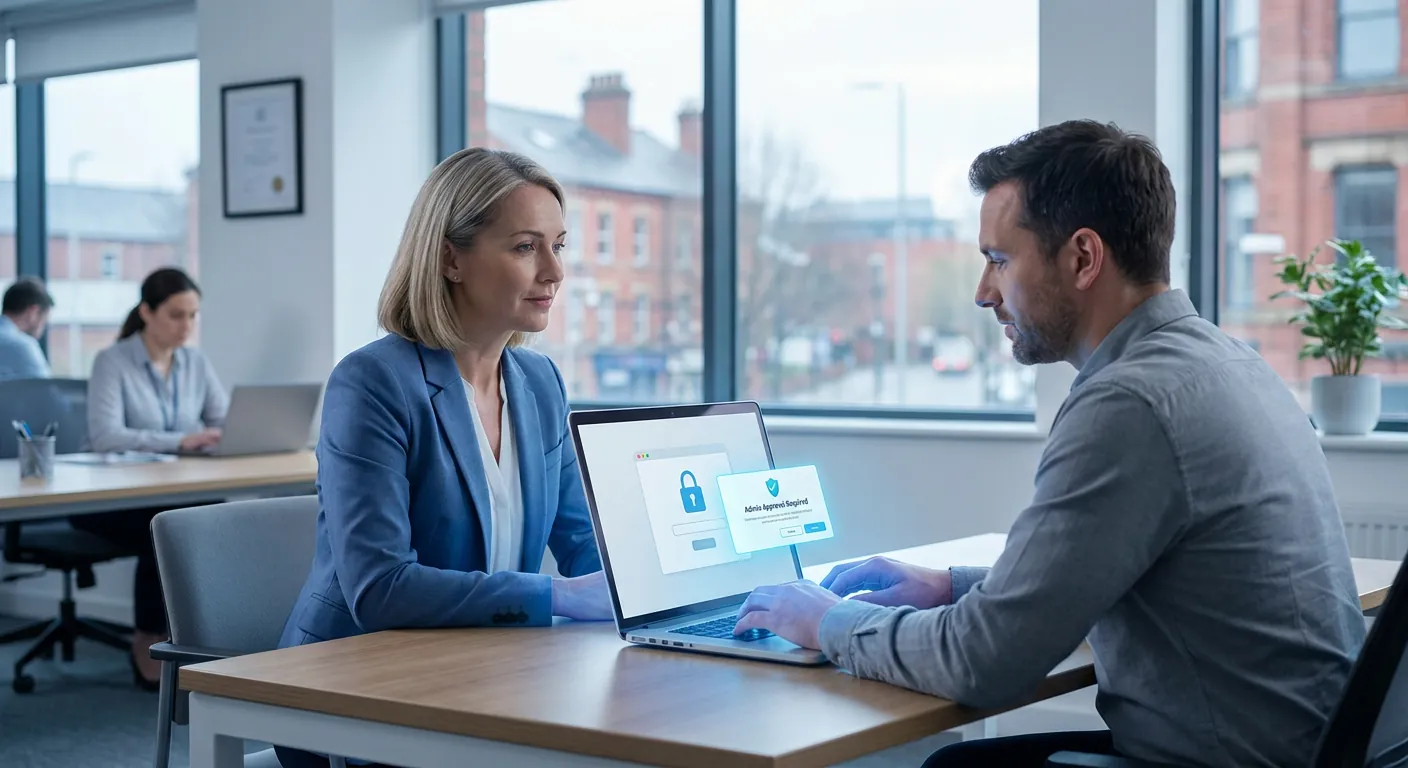
For many small businesses, laptops are set up quickly and then left alone. A new starter joins, a machine is handed over, software gets installed when needed, and everyone carries on with work. On the surface, that feels efficient.
The problem is that a lot of small businesses give staff administrator access to their laptops without really meaning to. Sometimes it is done for convenience. Sometimes it is left over from the original setup. Sometimes nobody has reviewed it for years.
That matters more than many owners realise.
If a user has administrator rights, they can install software, change important settings, bypass some security controls, and make deeper changes to the machine. That does not just create risk when someone acts carelessly. It also gives malware, unwanted browser extensions, or fake update prompts more room to do damage if that user is tricked.
For a busy SME in Bolton, Bury, or the wider North West, removing unnecessary admin rights is one of the simplest ways to reduce risk without making the business grind to a halt.
In plain English, an administrator account has more power over a device than a normal user account.
That extra power can be useful in the right hands. For example, your IT provider may need elevated access to:
But most day-to-day users do not need that level of control to send emails, work in Microsoft 365 or Google Workspace, join Teams calls, access files, or use line-of-business apps.
When every user has admin rights "just in case", the business is effectively leaving the front door unlocked because it feels more convenient.
This is not just an IT best-practice debate. It links directly to downtime, support costs, and avoidable disruption.
Imagine a member of staff receives a convincing pop-up saying their PDF tool or browser needs an urgent update. They click it. If their account has administrator rights, they may be able to approve the install themselves. What looks like a harmless update could actually be unwanted software, spyware, or the first step in a bigger compromise.
Even when the issue is not malicious, admin access can still cause problems.
A well-meaning employee might:
Each one sounds small. Together, they create more noise, more support tickets, and more risk.
Small businesses are usually trying to keep things practical. If a user needs something installed quickly, it can feel faster to leave them with broad access rather than route everything through IT.
That may save a few minutes in the short term, but it often creates more work later.
A typical scenario might look like this:
A 15-person business has a mix of laptops bought over several years. One was set up by a former supplier, another by an internal staff member, and a few were configured in a rush during remote-working changes. No one has checked permissions consistently, so several people still have local admin rights. Over time, different tools, plug-ins, and helper apps get installed. Then one machine starts behaving oddly, another fails a compliance review question, and nobody is fully sure what is running where.
That is exactly the sort of preventable mess that stronger device management avoids.
The goal is not to stop staff doing their jobs. The goal is to give the right level of access to the right people.
For most SMEs, good practice looks like this:
This is part of running technology in a more controlled, professional way. In other words, your technology, managed the right way.
If you are not sure whether this is an issue in your business, start with a quick review.
Ask:
You do not need to solve everything at once. Even identifying where unnecessary admin access exists is a strong first step.
For a small business, this sort of change is often easiest when handled as part of broader device management.
That may include:
This is especially useful for businesses using Microsoft 365, remote working, and cloud-managed devices, where consistency matters just as much as security.
Not every cyber risk comes from something dramatic. Quite often, it comes from quiet over-permission: too much access, given to too many people, for too long.
Removing administrator rights from everyday user accounts will not solve every security problem. But it is one of those sensible, high-impact steps that can reduce risk, improve control, and make support far easier.
If you have never reviewed who has admin access across your devices, now is a good time to start.
A simple permissions review today could save your business a great deal of disruption later.
If you would like a practical second opinion on your current laptop and user setup, Managed IT Support can help you review what access people really need and where simple tightening would make the biggest difference.
Book a free IT review and we'll show you exactly where your current setup is costing you money, leaving you exposed, or slowing your team down. No obligation, no hard sell.
