
Most business owners know that phishing emails are a risk. What often gets missed is the moment before someone clicks. That small window, when a member of staff feels unsure and pauses, is one of the best chances your business has to prevent a problem.
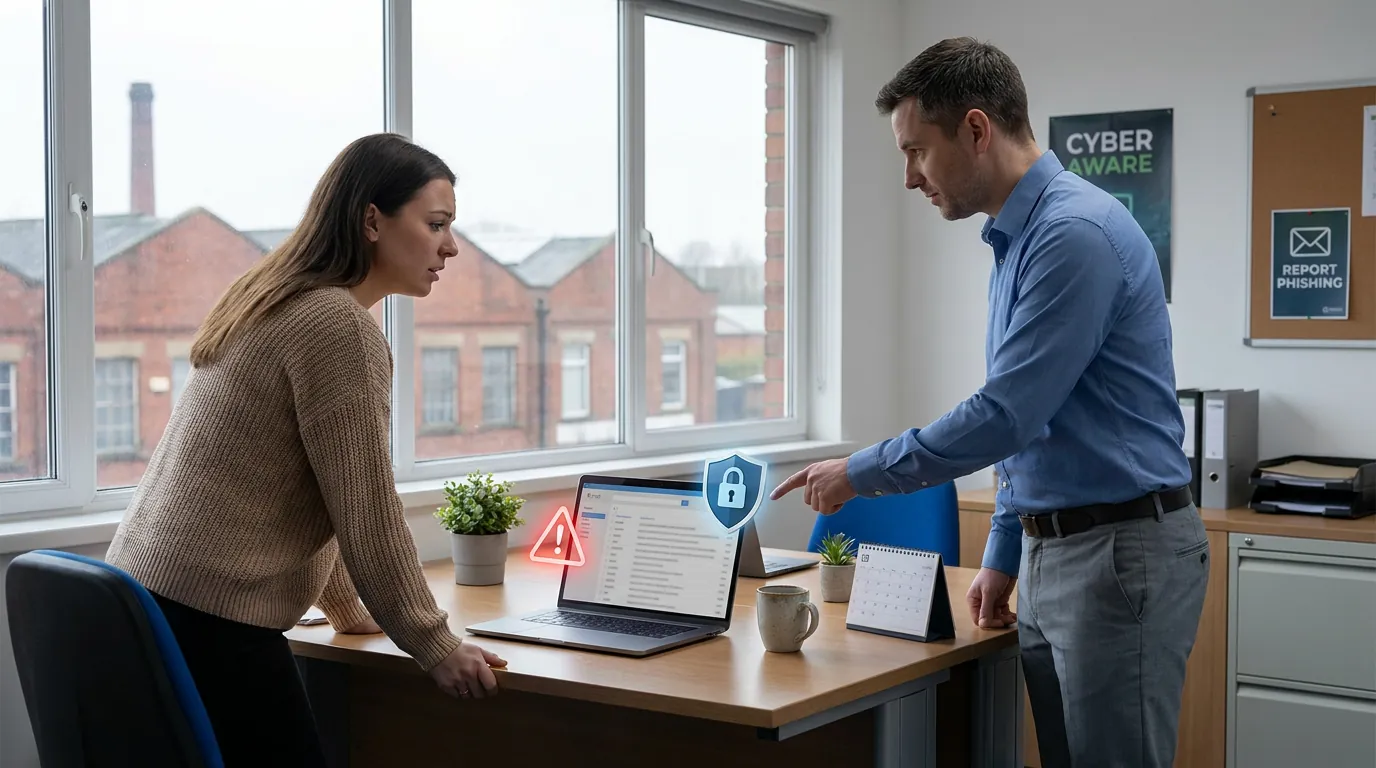
Most business owners know that phishing emails are a risk. What often gets missed is the moment before someone clicks. That small window, when a member of staff feels unsure and pauses, is one of the best chances your business has to prevent a problem.
For many UK SMEs, the real issue is not a lack of antivirus or spam filtering. It is that staff are not always sure what to do when something looks odd. They might delete the email, ignore it, forward it to a colleague, or leave it sitting in the inbox. None of those responses is as helpful as a quick, simple report.
If your business uses Microsoft 365, Google Workspace, shared mailboxes or cloud apps every day, suspicious emails are not rare events. They are part of normal business life. The goal is not to create panic. It is to make sure your team knows how to respond calmly and consistently.
When someone deletes a suspicious email without reporting it, the immediate risk to that person may disappear, but the wider business risk can still remain.
A reported email gives your IT support team the chance to answer important questions such as:
That is why good reporting is a business continuity habit, not just a security habit. One person flagging something quickly can prevent disruption, financial loss, account compromise or a long clean-up job later.
For most small businesses, the best process is simple:
That last point matters. In many cases, the damage from a phishing email gets worse because someone is worried about admitting they clicked something. A calm culture always beats a blame culture.
Suspicious emails do not always look obviously fake. Some are polished and convincing. That is why training should focus on a few reliable warning signs, including:
A good rule for SMEs is this: if the message creates pressure, secrecy or confusion, it deserves another look.
Imagine a finance administrator in Bolton receives an email that appears to come from the managing director asking for an urgent bank transfer before lunch. The wording is plausible. The signature looks familiar. The request feels awkward, but also possible.
If the employee quietly deletes it, your business learns nothing. The next person might receive the same message and respond differently.
If the employee reports it straight away, Managed IT Support can check whether the sender is genuine, see whether the domain is spoofed, search for matching emails across the business, and help you warn the rest of the team. What could have become a payment fraud attempt turns into a useful near miss.
That is the difference between individual caution and organisational resilience. Your Technology, Managed the Right Way is not only about tools in the background. It is also about building practical habits in the people using them every day.
Many businesses talk about phishing awareness, but the process is still too vague. Staff hear "be careful", yet nobody tells them exactly where to send concerns or what happens next.
A workable setup usually includes:
If you already have a managed IT partner, this is worth reviewing. If you do not, it is one of the easiest operational improvements you can make this quarter.
If you want to reduce email risk in your business, start with one question: would every member of staff know how to report a suspicious message today?
If the answer is "not confidently", do not overcomplicate it. Put a simple reporting route in place, explain it clearly, and remind your team that quick reporting is always helpful.
For small businesses across Bolton, Bury and the wider North West, that one habit can make email security far more practical. If you would like a quick review of how suspicious emails are handled in your setup, Managed IT Support can help you tighten the process without making it feel heavy or technical.
Book a free IT review and we'll show you exactly where your current setup is costing you money, leaving you exposed, or slowing your team down. No obligation, no hard sell.
