
For many small businesses, multi-factor authentication is one of the best security improvements they can make. It adds an extra check beyond the password and helps protect Microsoft 365, Google Workspace, email, file storage and other cloud systems. That is all good news.
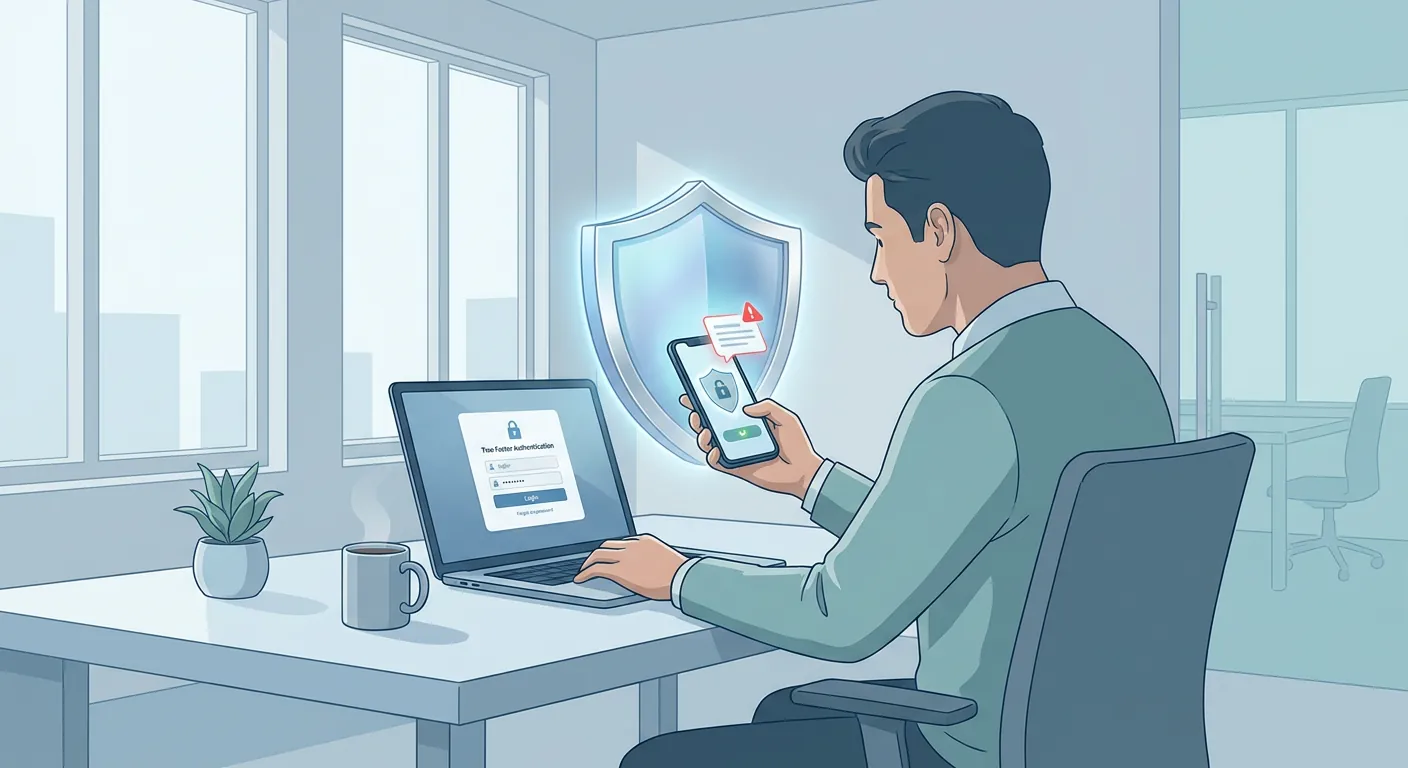
For many small businesses, multi-factor authentication is one of the best security improvements they can make. It adds an extra check beyond the password and helps protect Microsoft 365, Google Workspace, email, file storage and other cloud systems. That is all good news.
But there is one detail many business owners do not realise: an MFA prompt is not always a sign that everything is working as it should.
If someone in your business receives a sign-in approval request on their phone when they are not actually trying to log in, that can be an early warning sign. In simple terms, it may mean somebody else already knows their password and is trying to get past the second security step.
For a busy SME in Bolton, Bury or the wider North West, that kind of moment is easy to dismiss. Staff are in meetings, travelling, answering customers or trying to clear notifications quickly. A phone buzzes, an approval message appears, and it can be tempting to tap without thinking just to make it go away.
That is exactly the habit worth changing.
An unexpected MFA prompt usually means one of three things:
The third possibility is the one that matters most.
Cyber criminals do not always break in using sophisticated methods. Quite often, they start with a stolen password. That password may have been reused elsewhere, exposed in a past breach, guessed because it was too simple, or handed over during a phishing attack.
Once they have the password, MFA is often the main thing standing in their way. If they keep sending sign-in requests and the user finally taps approve out of annoyance, confusion or habit, the attacker can get in.
This is sometimes called MFA fatigue or push bombing. The jargon is not important. What matters is the business impact. One accidental approval can lead to:
For a small business, that can mean disruption, stress, reputational damage and cost that could have been avoided.
If you receive an MFA prompt and you were not trying to sign in, do not approve it.
That sounds obvious when written down, but many businesses have never said it clearly to staff.
A better rule is this:
That response is simple, calm and practical. It gives your business a much better chance of stopping a real problem before it spreads.
Imagine a director of a 15-person business in Bolton gets a Microsoft sign-in approval request while in a client meeting. They are not logging in anywhere, but their phone buzzes twice in quick succession.
If they approve the prompt without thinking, an attacker may gain access to their email account. From there, the attacker could read conversations, send convincing phishing emails to staff, search for invoices, or try to reset other linked services.
If instead they deny the request, change the password and alert Managed IT Support, the issue can be contained far earlier. Sign-in logs can be reviewed, sessions can be revoked, and extra checks can be put in place before real damage is done.
That is the difference between a minor security alert and a much bigger incident.
Unexpected MFA prompts are not only about user behaviour. They are also a sign that your wider account security deserves attention.
A good place to start is with a short review of these basics:
For many SMEs, this is where managed IT support makes a real difference. The goal is not to drown staff in technical rules. It is to create sensible protections that support day-to-day work and reduce avoidable risk.
That is very much in keeping with the idea of your technology being managed the right way: secure enough to protect the business, but practical enough that people can still get on with their jobs.
One of the easiest wins here is to write down a simple internal rule: if you get a login approval request you were not expecting, deny it and report it immediately.
That one sentence can sit in your onboarding notes, security awareness reminders, or staff handbook. It does not need to be complicated. It just needs to be clear.
When people know what "normal" looks like, they are far less likely to wave through something risky.
If your business already uses MFA, do not assume the job is done. Ask a few quick questions instead:
If the answers are unclear, that is a useful prompt in itself.
Managed IT Support Limited can help small businesses review account security, user habits and cloud settings so these moments are handled properly before they become bigger issues. Even a short review can highlight simple improvements that reduce risk and improve resilience.
For many SMEs, that kind of clarity is exactly what keeps security practical, proportionate and easier to manage.
Book a free IT review and we'll show you exactly where your current setup is costing you money, leaving you exposed, or slowing your team down. No obligation, no hard sell.
