
QR codes feel quick, tidy and convenient. That is exactly why cyber criminals like using them.
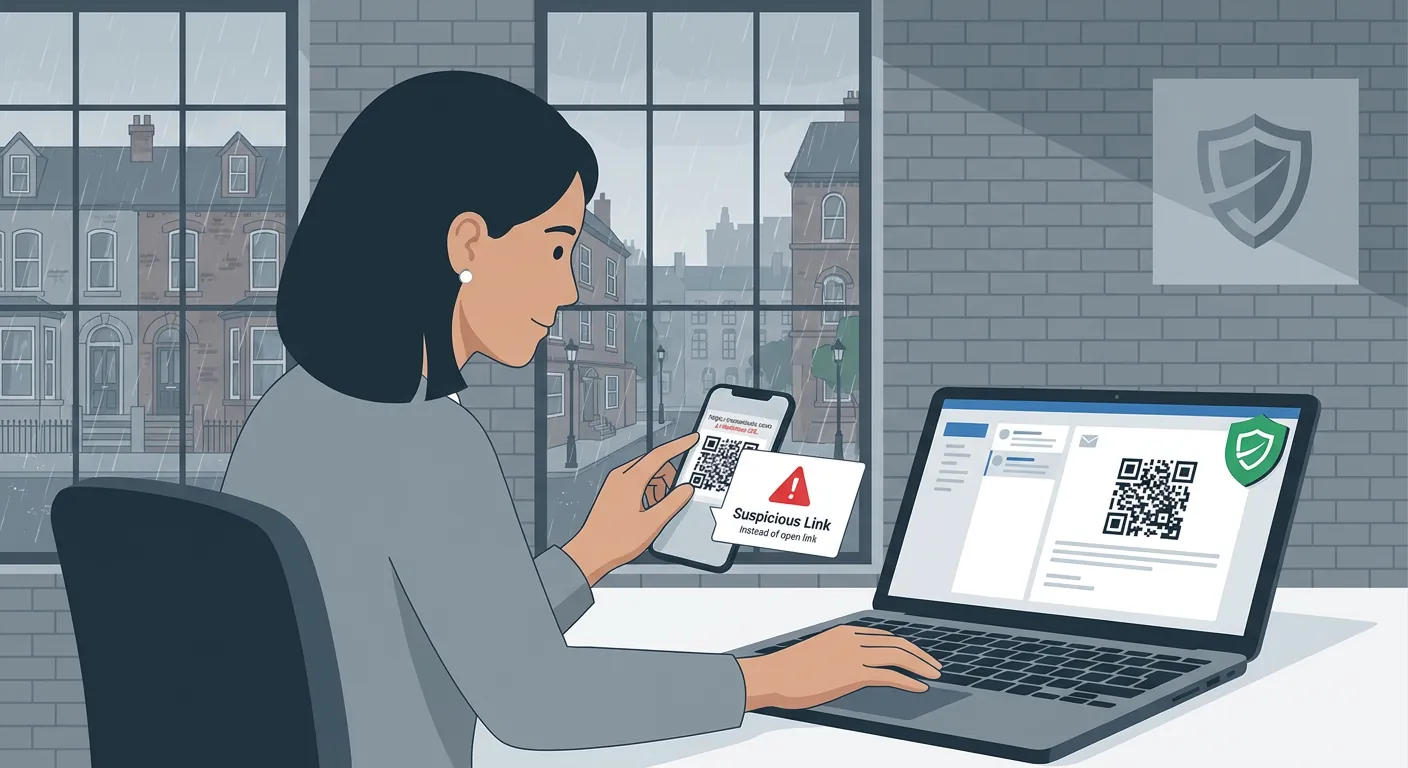
QR codes feel quick, tidy and convenient. That is exactly why cyber criminals like using them.
Most business owners and staff have learned to be a bit wary of suspicious links. If an email says "click here to log in", many people will pause. A QR code can lower that guard because it feels different. It looks like a shortcut rather than a risk.
That is the problem.
A malicious QR code can send someone to a fake Microsoft 365 sign-in page, a cloned supplier payment page or a scam site designed to capture login details. In cybersecurity circles this is often called quishing: phishing delivered through a QR code.
For a small business, the impact can be exactly the same as any other phishing attack. Stolen passwords, unauthorised access, payment fraud, downtime and a lot of avoidable stress.
QR codes are now everywhere. Staff use them for menus, parcel tracking, visitor systems, shared files, payments and event sign-ups. Because they are so familiar, people are more likely to scan first and think later.
The extra risk is simple: when you scan a QR code on a phone, you often leave the relative safety of your laptop and jump straight into a browser on a mobile device. That means:
For a busy SME in Bolton, Bury or the wider North West, this is the kind of threat that can slip into an ordinary workday. An accounts person might get an invoice email with a QR code to "confirm payment details". A director might receive a message asking them to scan to listen to a "secure voicemail". A member of staff might be told to scan a code to re-authenticate their Microsoft 365 session.
All of those can be faked.
QR code scams are rarely dramatic. They usually try to look helpful, urgent or routine.
Common examples include:
The wording often pushes speed and convenience.
"Scan here to review." "Use your phone for secure access." "QR code required to avoid expiry."
That convenience is the trap.
If a QR code arrives in a business email unexpectedly, do not scan it straight away.
Treat it exactly like any other unverified link.
That one rule is practical, easy to remember and useful across the whole business. It does not require staff to become security experts. It just gives them a clear pause point.
A better habit is this:
So if an email claims to be from Microsoft 365, open Microsoft 365 the normal way. If it claims to be from a supplier, contact the supplier using a trusted number or known email address. If it claims there is a secure file waiting, sign in through the platform you already use rather than through the QR code.
For most small businesses, a short checklist is enough:
If the answer raises even slight doubt, stop and report it.
That is particularly important for messages involving:
Good practice does not have to be complicated.
A well-managed small business usually has a few basics in place:
This is where good IT support makes a real difference. Clear staff guidance, sensible email protection and a simple reporting process reduce the odds of one rushed moment turning into a bigger incident.
That is very much in the spirit of Your Technology, Managed the Right Way. Good security is not about making daily work harder. It is about building straightforward habits that protect the business without getting in the way.
If a member of staff has already scanned a suspicious QR code, act quickly.
A fast response can turn a near miss into a manageable clean-up rather than a serious compromise.
QR codes are not dangerous by themselves. The risk comes from treating them as harmless shortcuts.
For a small business, the most useful takeaway is simple: if a QR code arrives in an email and leads towards money, passwords, files or account access, slow down and verify it another way.
That small pause can protect your systems, your cash flow and your peace of mind.
If you want a straightforward review of how your team handles suspicious emails, sign-ins and payment-related messages, Managed IT Support can help you tighten the basics without adding unnecessary complexity.
Book a free IT review and we'll show you exactly where your current setup is costing you money, leaving you exposed, or slowing your team down. No obligation, no hard sell.
