
Most small businesses picture cybercrime as something dramatic: screens locked, ransom notes, everything offline. In reality, the attack that costs UK SMEs the most money is far quieter. It arrives as a polite email from a supplier you have paid for years, letting you know their bank details have...
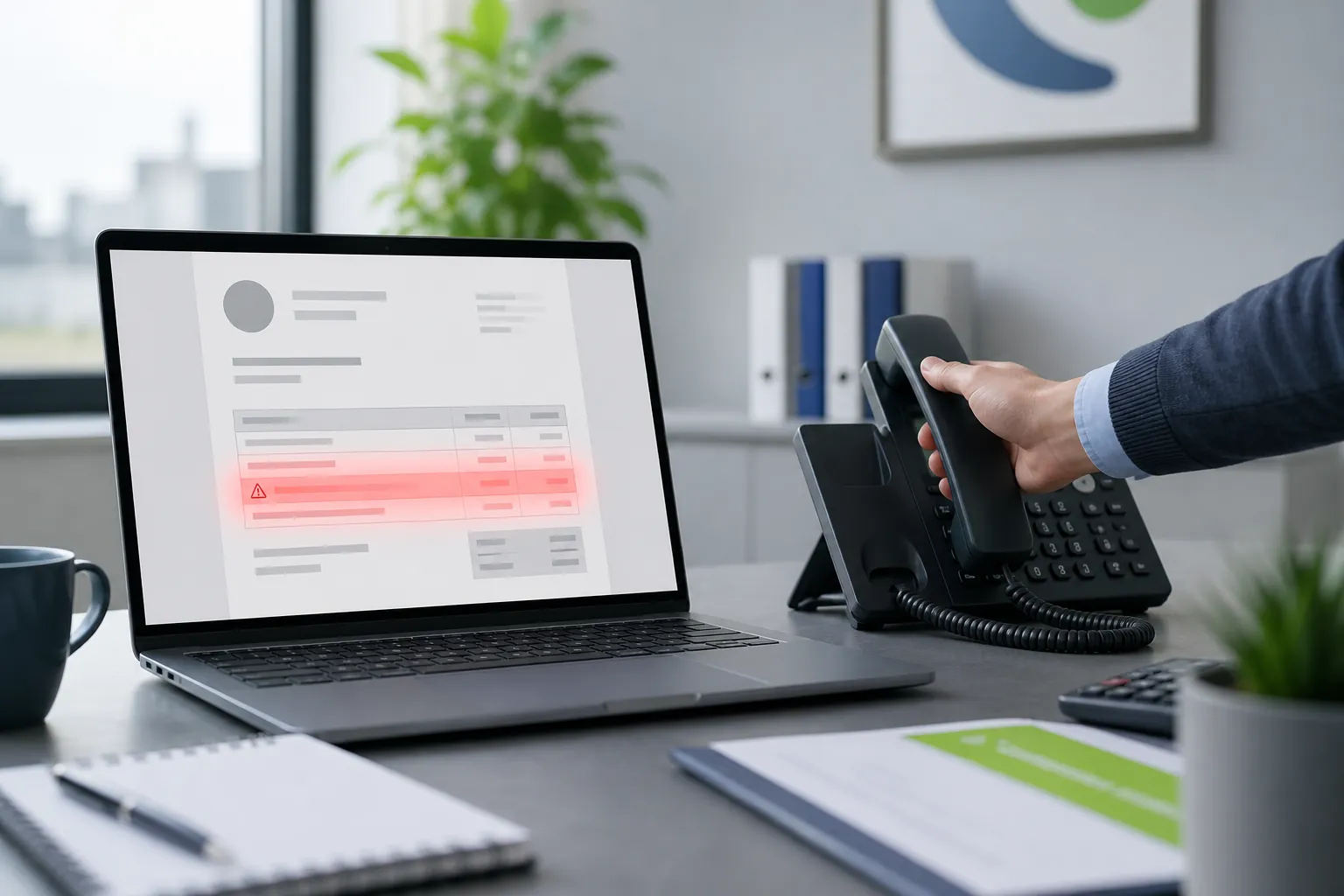
Most small businesses picture cybercrime as something dramatic: screens locked, ransom notes, everything offline. In reality, the attack that costs UK SMEs the most money is far quieter. It arrives as a polite email from a supplier you have paid for years, letting you know their bank details have changed.
Someone in accounts updates the record, the payment goes out on the next run, and nobody notices anything is wrong until the real supplier chases the invoice weeks later. By then the money has usually gone.
This is often called invoice fraud, mandate fraud, or payment redirection fraud. It works because it does not look like an attack at all. It looks like admin.
The email is frequently genuine — sent from a real mailbox that criminals have quietly taken control of.
Here is how it typically plays out for a small business in Bolton or Bury:
Because the message continues an existing conversation, comes from the correct address, and mentions the correct amounts, every instinct says it is legitimate. Spam filters often let it through for exactly the same reason: technically, it is a real email from a real account.
A variation targets the top of the business instead. A member of staff receives an urgent message that appears to come from the director — "I'm in a meeting, can you get this payment out today?" — with just enough pressure to discourage questions.
Losing a four or five figure payment hurts, but the knock-on effects often hurt more:
If you only take one thing from this article, make it this: bank details are never changed on the strength of an email.
Any change to payment details, from any supplier, at any value, gets verified by voice on a number you already hold — from a previous invoice, your accounting system, or the supplier's website you looked up yourself. Never the number in the email, and never a reply to the email, because if the mailbox is compromised the criminal simply confirms their own request.
Write it down as a one-line policy and share it with everyone who can move money. It costs nothing and stops the overwhelming majority of these attacks.
Process protects you when an attack arrives. Good security reduces the chance of your own mailboxes being the ones taken over — which is how your customers end up receiving the fake invoice with your name on it.
Worth reviewing:
None of these are dramatic projects. They are configuration settings that a managed IT provider can review and tidy in a short session.
A 20-person firm receives a familiar invoice with a note about new bank details. The bookkeeper does not update anything. She opens last quarter's invoice, calls the number printed on it, and asks the accounts contact directly. The supplier confirms nothing has changed and discovers their own mailbox has been compromised.
No money is lost. The supplier is warned. The whole thing takes four minutes.
That is the outcome a simple, well-understood rule buys you — and it works whether the target is you, your customers, or your suppliers.
Pick one thing this week. Send a short message to everyone who handles payments confirming the verify-by-phone rule, and ask your IT provider to check MFA coverage and mailbox forwarding rules across your tenant.
If you would like a second pair of eyes on your Microsoft 365 or Google Workspace setup, Managed IT Support can run a straightforward review and tell you plainly what is solid and what needs attention. No jargon, no pressure — just your technology, managed the right way.
Book a free IT review and we'll show you exactly where your current setup is costing you money, leaving you exposed, or slowing your team down. No obligation, no hard sell.
